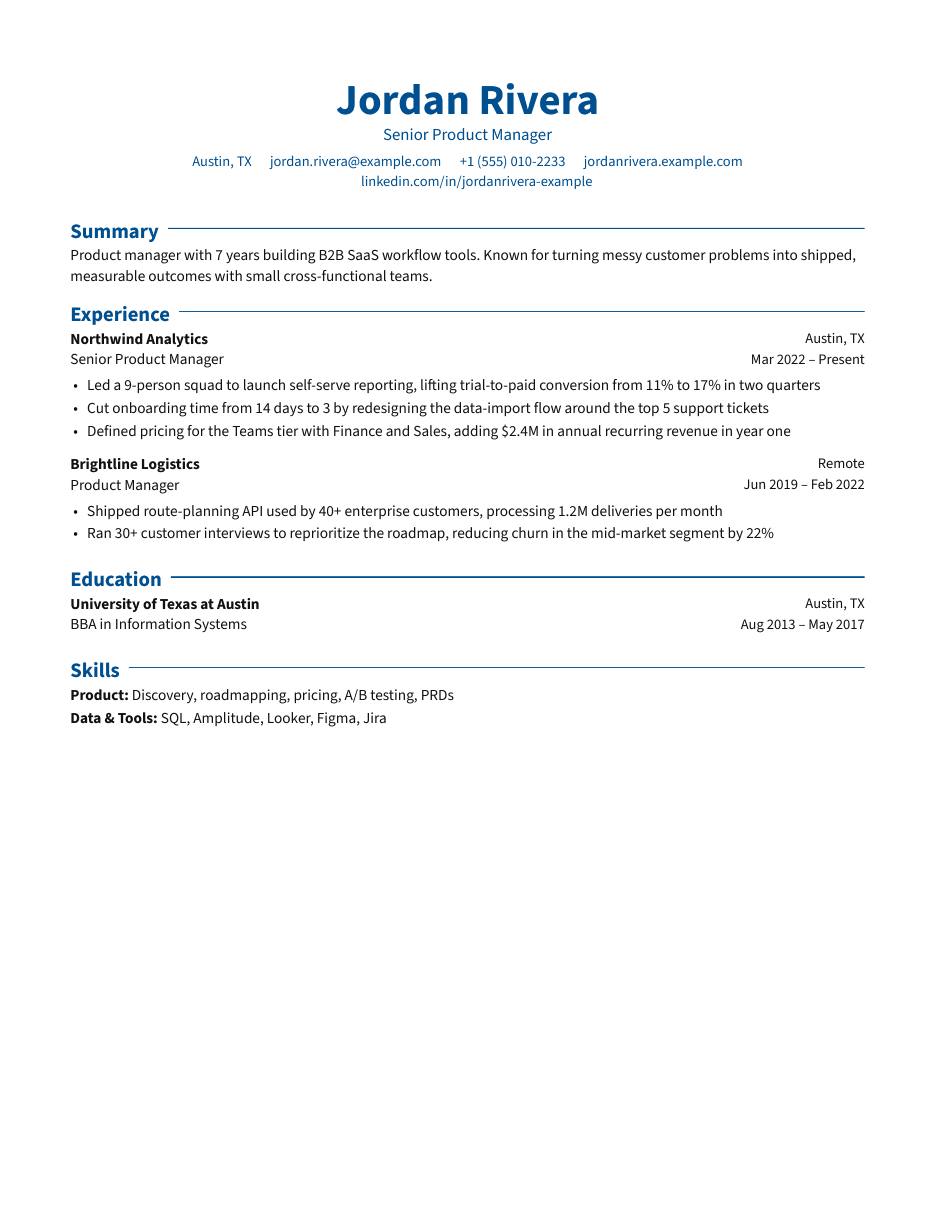
Classic
Clean sans-serif with an accent color. A safe default.
Best for: Most roles and industries
Use this templateResume templates
Five designs built for screening software and human readers alike. Switch templates anytime — your content stays put.
Clean sans-serif with an accent color. A safe default.
Best for: Most roles and industries
Use this template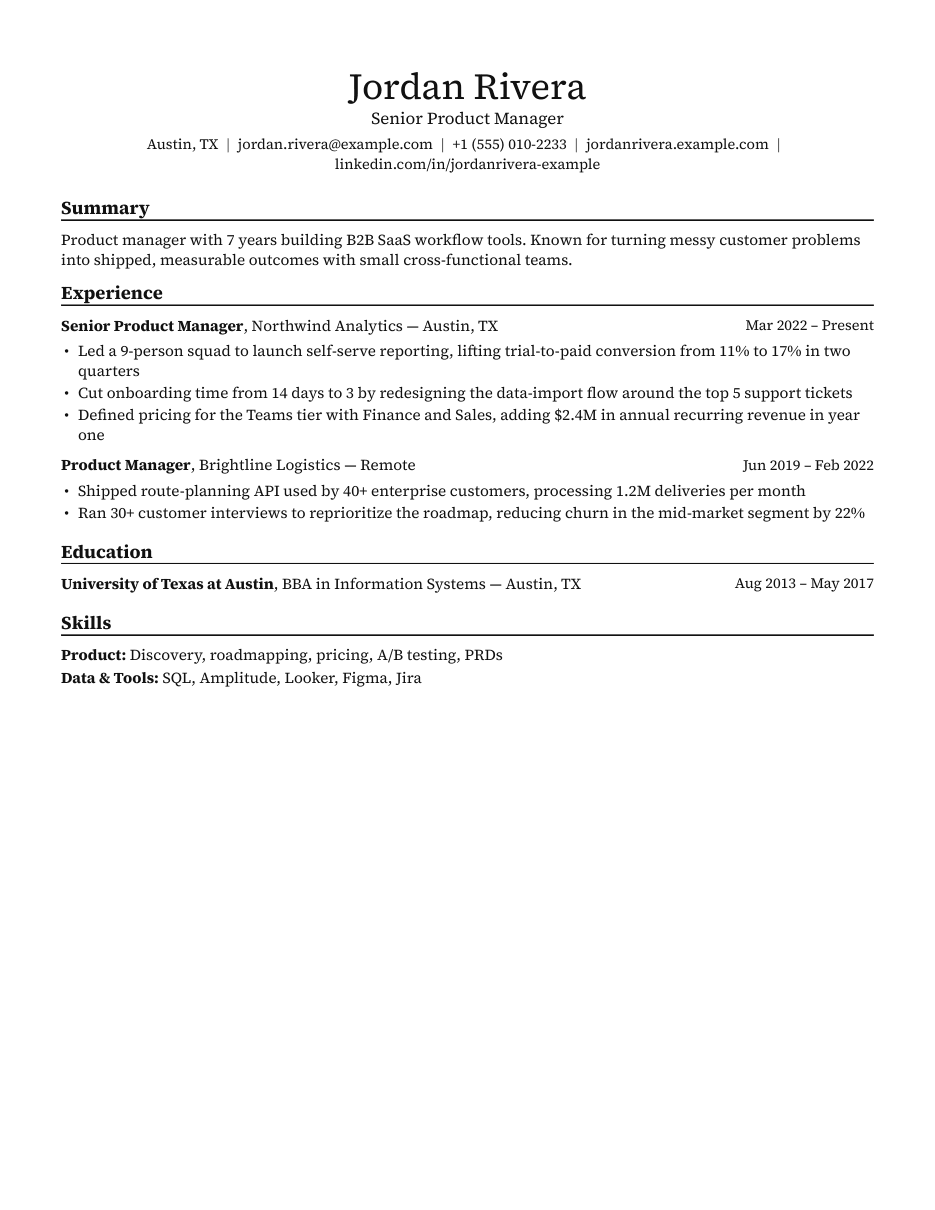
Compact black-and-white serif that fits a lot on one page.
Best for: Engineers and developers who need density
Use this template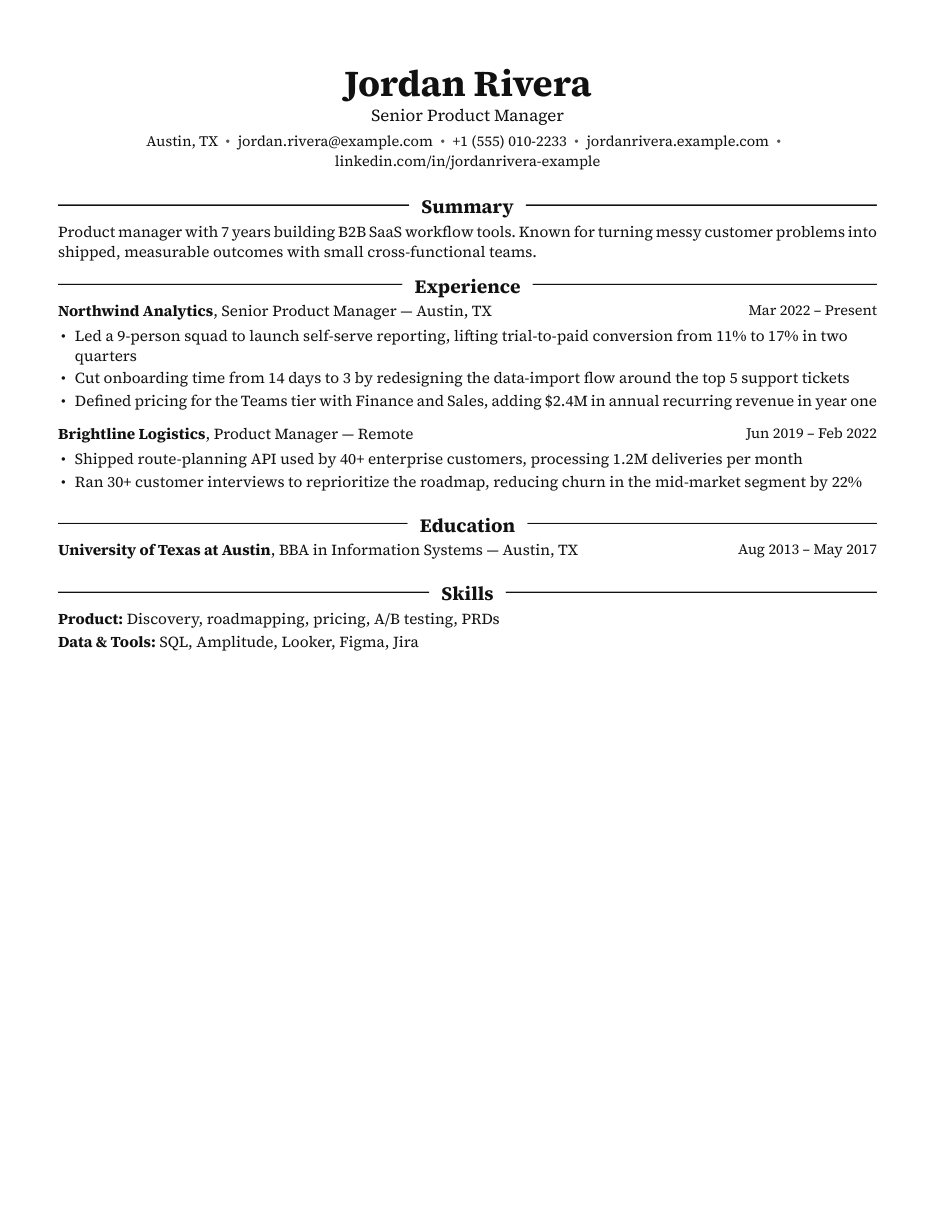
Traditional serif with centered headings.
Best for: Students, finance and consulting
Use this template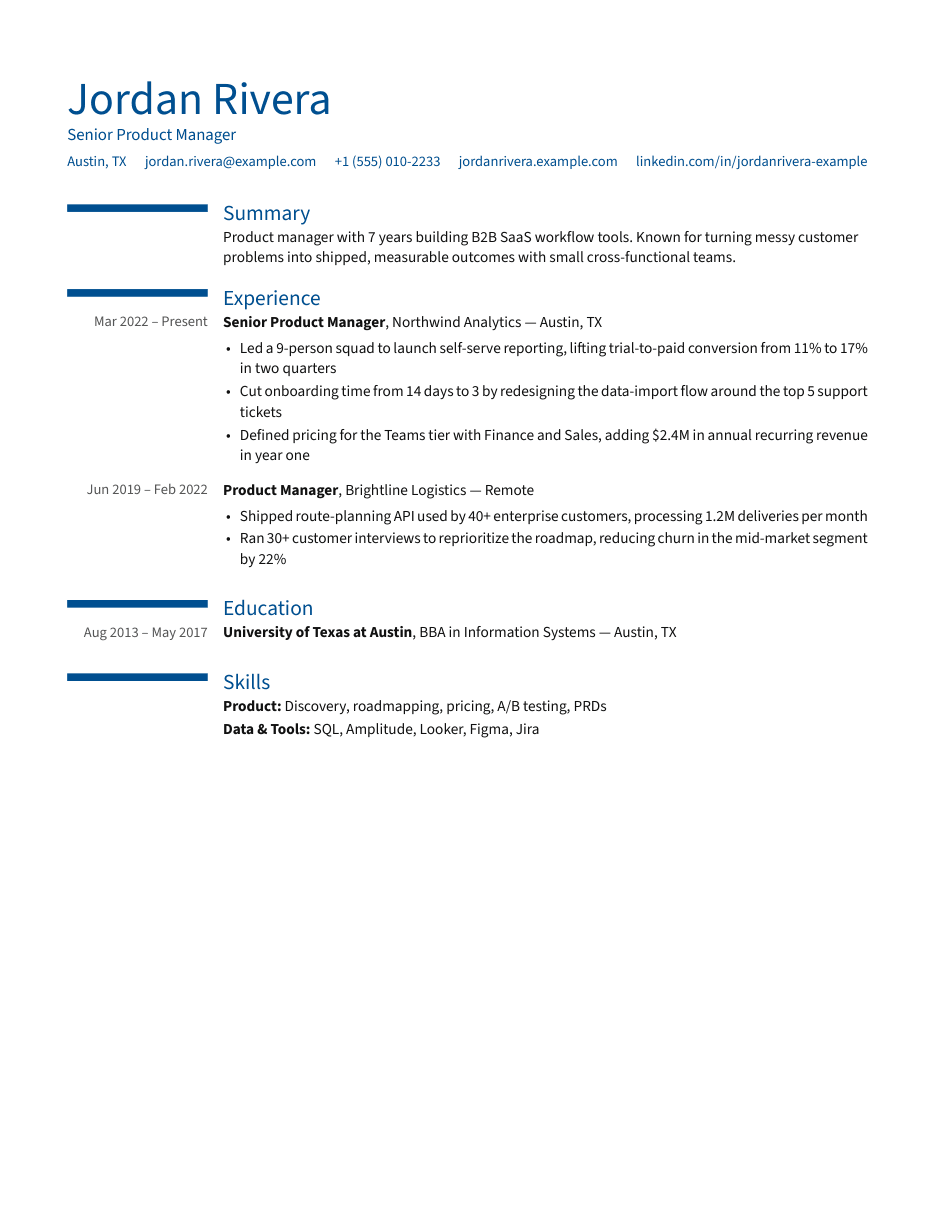
Dates in a left column with accent bars.
Best for: Experienced professionals with long histories
Use this template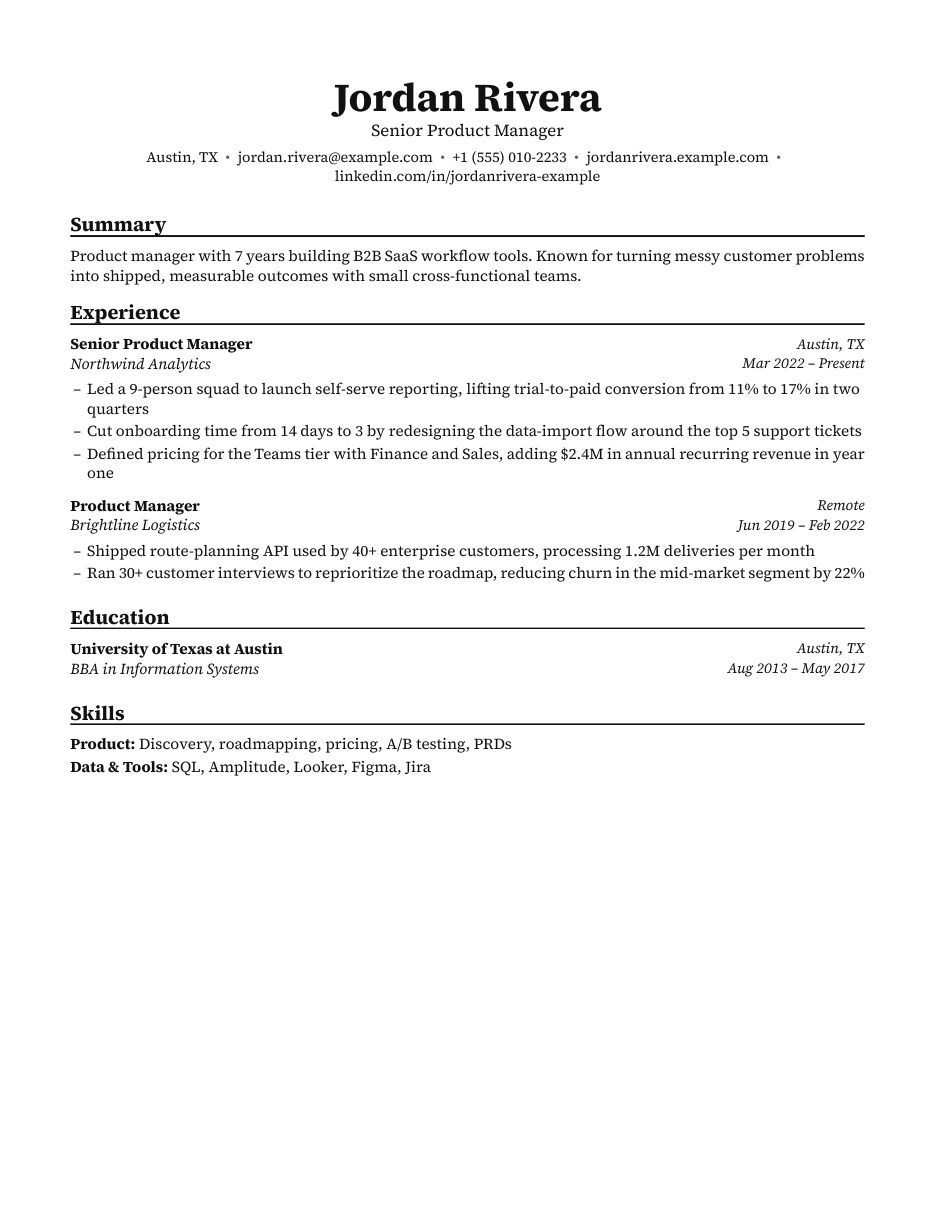
LaTeX-inspired two-line entries in serif.
Best for: Research, academia and technical roles
Use this templateBuilt for screening
No tool can promise every applicant tracking system will read a file perfectly. These are the formatting choices that give yours the best chance.
Single-column content so parsers read your experience top to bottom, exactly as a recruiter would.
Every word is text in the PDF — no images of text, text boxes or tables hiding your content.
Familiar section names like Experience, Education and Skills that screening software expects.
Spacing, dates and bullets are applied automatically, so every page looks deliberate.
Start with Classic. You can preview every template on your own content in the editor before downloading.